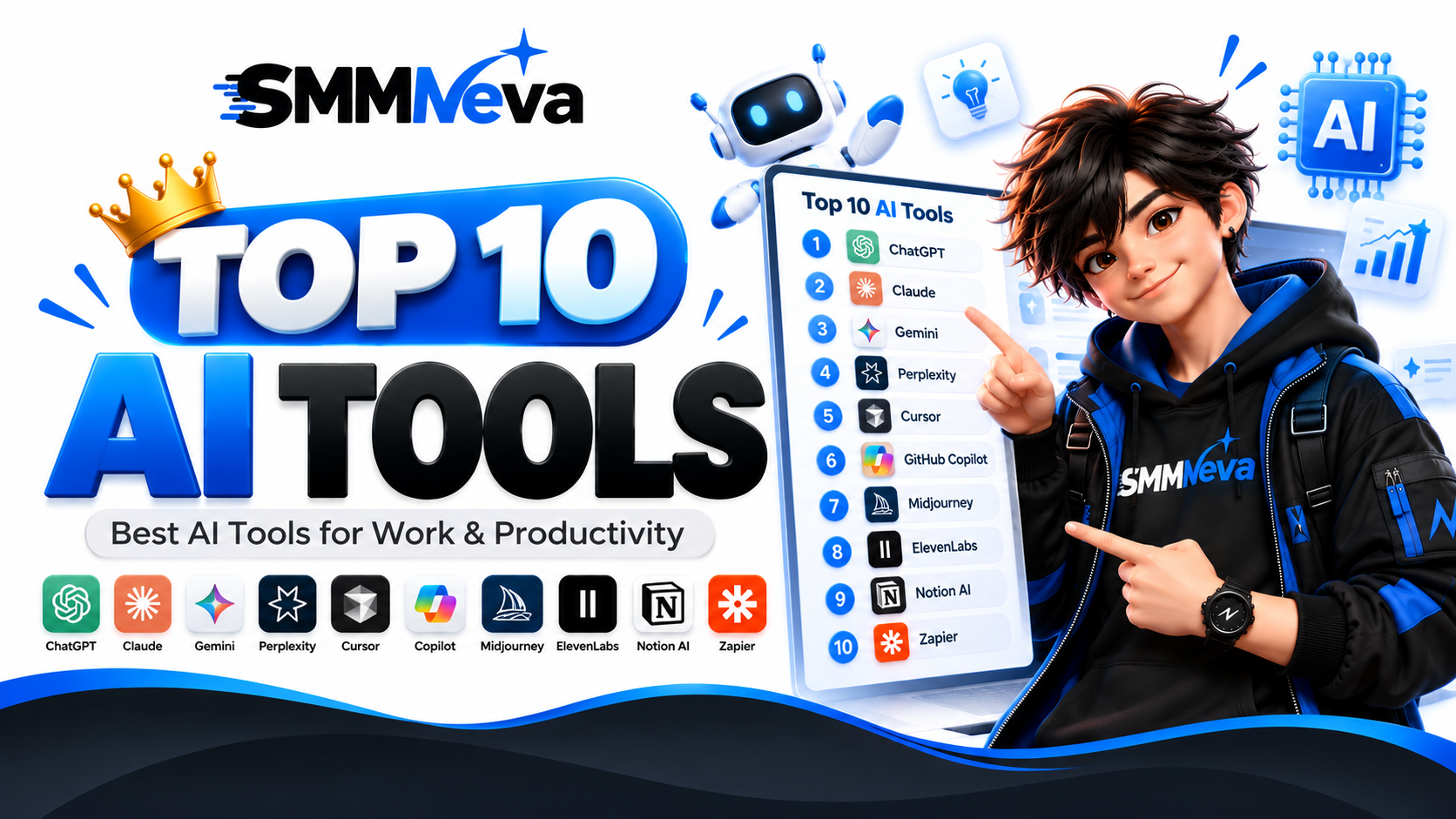
Top 10 AI Tools in 2026 | Best AI Tools for Work & Productivity
Artificial intelligence has become an important part of modern work, education, content creation, research, coding, design and business. In 2026, there are thousands of AI tools available, making it difficult to know which platforms are useful for specific tasks.
This guide explores 10 popular AI tools and platforms that cover different use cases, including AI assistants, research, coding, image generation, productivity and automation. The right AI tool depends on what you want to accomplish, your workflow, budget and preferred features.
What Are AI Tools?
AI tools are software applications that use artificial intelligence to help users complete tasks more efficiently. Depending on the platform, an AI tool can generate text, answer questions, analyze information, write code, create images, summarize documents, automate repetitive tasks or assist with business workflows.
Modern AI tools are no longer limited to simple chatbots. Many platforms now combine text, images, files, web research, coding and automation into a single workflow.
Top 10 AI Tools in 2026
The following list covers popular AI platforms across different categories. It is designed as a practical comparison rather than a universal ranking because the most suitable AI tool can vary depending on the user's specific needs.
1. ChatGPT
ChatGPT is a general-purpose AI assistant that can be used for writing, research, brainstorming, coding, analysis, learning and many other everyday tasks. It is useful for individuals, creators, students, developers and businesses that want a flexible AI workspace.
ChatGPT can help users create content, explain complex topics, analyze information and develop ideas through natural-language conversations.
2. Claude
Claude is an AI assistant designed for writing, analysis, reasoning, coding and working with long documents. It can be useful for creating structured content, reviewing documents and handling detailed analytical tasks.
For users who frequently work with lengthy text or documents, Claude can be an option worth exploring alongside other general-purpose AI assistants.
3. Google Gemini
Google Gemini is an AI assistant from Google that can support writing, research, brainstorming, coding and other productivity tasks. Its connection with Google's broader ecosystem makes it particularly relevant for people who already use Google services.
Gemini can be useful for everyday questions, content creation and workflows connected to Google's productivity environment.
4. Perplexity
Perplexity focuses on AI-powered search and research. It is designed to provide answers with source references, making it useful when users want to investigate a topic and review supporting information.
Perplexity can be especially useful for research, fact checking, finding recent information and exploring unfamiliar subjects.
5. Cursor
Cursor is an AI-powered code editor designed for software development. It can assist developers with writing, understanding, modifying and debugging code directly within a coding environment.
Developers can use AI assistance while working on projects instead of switching between a separate chatbot and their development environment.
6. GitHub Copilot
GitHub Copilot is an AI coding assistant that helps developers write and understand code. It can provide coding suggestions, assist with implementation and help developers work more efficiently inside supported development environments.
It can be useful for developers who want AI assistance integrated into their existing programming workflow.
7. Midjourney
Midjourney is an AI image generation platform used to create visual content from text prompts. It is popular for creative projects, concept development, artwork, marketing visuals and design experimentation.
AI image generators can help creators produce visual concepts without manually creating every element from the beginning.
8. ElevenLabs
ElevenLabs focuses on AI-generated voice and audio. It can be used for voiceovers, narration, content production and other audio workflows.
For creators working with videos, podcasts, advertisements or educational content, AI voice tools can simplify parts of the audio production process.
9. Notion AI
Notion AI combines artificial intelligence with the Notion workspace. It can help users work with notes, documents, project information and written content inside their existing workspace.
It can be useful for teams and individuals who already use Notion for documentation, project management and knowledge organization.
10. Zapier
Zapier is an automation platform that can connect different applications and automate repetitive workflows. Its AI capabilities can be used as part of broader automation processes.
Businesses and creators can use automation to reduce repetitive manual work, connect services and create workflows that run based on predefined triggers and actions.
How to Choose the Right AI Tool
Choosing an AI tool should start with the task you want to solve rather than simply choosing the most popular platform. Different AI tools are designed for different workflows.
- Writing: Look for AI assistants with strong text generation and editing capabilities.
- Research: Consider tools that provide web search and source references.
- Coding: Choose an AI coding assistant that integrates with your development workflow.
- Images: Use an AI image generation platform for visual content and creative concepts.
- Voice: Consider dedicated AI audio and voice-generation tools.
- Productivity: Look for AI features integrated into the applications you already use.
- Automation: Choose platforms that can connect multiple applications and automate repetitive processes.
AI Tools for Content Creation
AI tools can support many stages of content creation. Writers can use AI for brainstorming, outlines, drafts, editing and summarization. Designers can use image-generation tools for visual concepts, while creators can use AI voice platforms for narration and audio production.
However, AI-generated content should still be reviewed by a human. Checking accuracy, originality, tone and context is important before publishing or using AI-generated material professionally.
AI Tools for Business
Businesses can use AI tools for customer support, research, content creation, data analysis, software development, documentation and workflow automation.
Instead of replacing every existing application, businesses can select AI tools that integrate naturally with their current systems. This can make adoption easier and reduce unnecessary complexity.
AI Tools for Students
Students can use AI tools for learning, explanations, brainstorming, research and study organization. AI can explain difficult concepts in simpler language and help students explore subjects from different perspectives.
Students should use AI as a learning assistant rather than relying on it to complete academic work without understanding the material.
AI Tools for Developers
Developers can use AI for code generation, debugging, documentation, code explanation and project planning. Tools such as Cursor and GitHub Copilot are designed to bring AI assistance directly into software development workflows.
AI-generated code should always be reviewed and tested because generated code can contain errors, security problems or implementation choices that do not match a project's requirements.
AI Tools for Research
Research-focused AI tools can make it easier to discover information, summarize sources and investigate unfamiliar topics. Platforms such as Perplexity are designed around AI-powered search and source-based answers.
For important research, users should verify key information against the original sources instead of relying only on an AI-generated summary.
Free vs Paid AI Tools
Many AI platforms provide free access with limits, while paid plans generally provide higher usage limits, additional features or access to more advanced capabilities. The best option depends on how frequently you use AI and which features you actually need.
For occasional tasks, a free AI tool may be sufficient. Professionals and businesses with regular AI workflows may benefit from paid plans when the additional features justify the cost.
Why AI Tools Are Becoming More Important
AI tools can reduce the time required for many repetitive or information-heavy tasks. They can help users move from an idea to a draft, research topic or working prototype faster.
The biggest benefit often comes from combining AI with human judgment. AI can assist with speed and exploration, while people remain responsible for reviewing information, making decisions and ensuring the final result meets the required standards.
How Many AI Tools Do You Really Need?
You do not necessarily need dozens of AI subscriptions. A practical setup can start with one general-purpose AI assistant and then add specialized tools only when a specific workflow requires them.
For example, someone might use one AI assistant for everyday work, a research-focused platform for source-based research and a specialized tool for coding, images, video or automation.
Final Thoughts on the Top 10 AI Tools
The AI tools available in 2026 cover almost every major digital workflow, from writing and research to coding, design, voice generation and automation. ChatGPT, Claude, Gemini, Perplexity, Cursor, GitHub Copilot, Midjourney, ElevenLabs, Notion AI and Zapier represent different approaches to using AI in everyday work.
There is no single AI tool that is perfect for every user or every task. The best approach is to compare tools based on your specific requirements, workflow, budget, integrations and the type of results you need.